
Profile
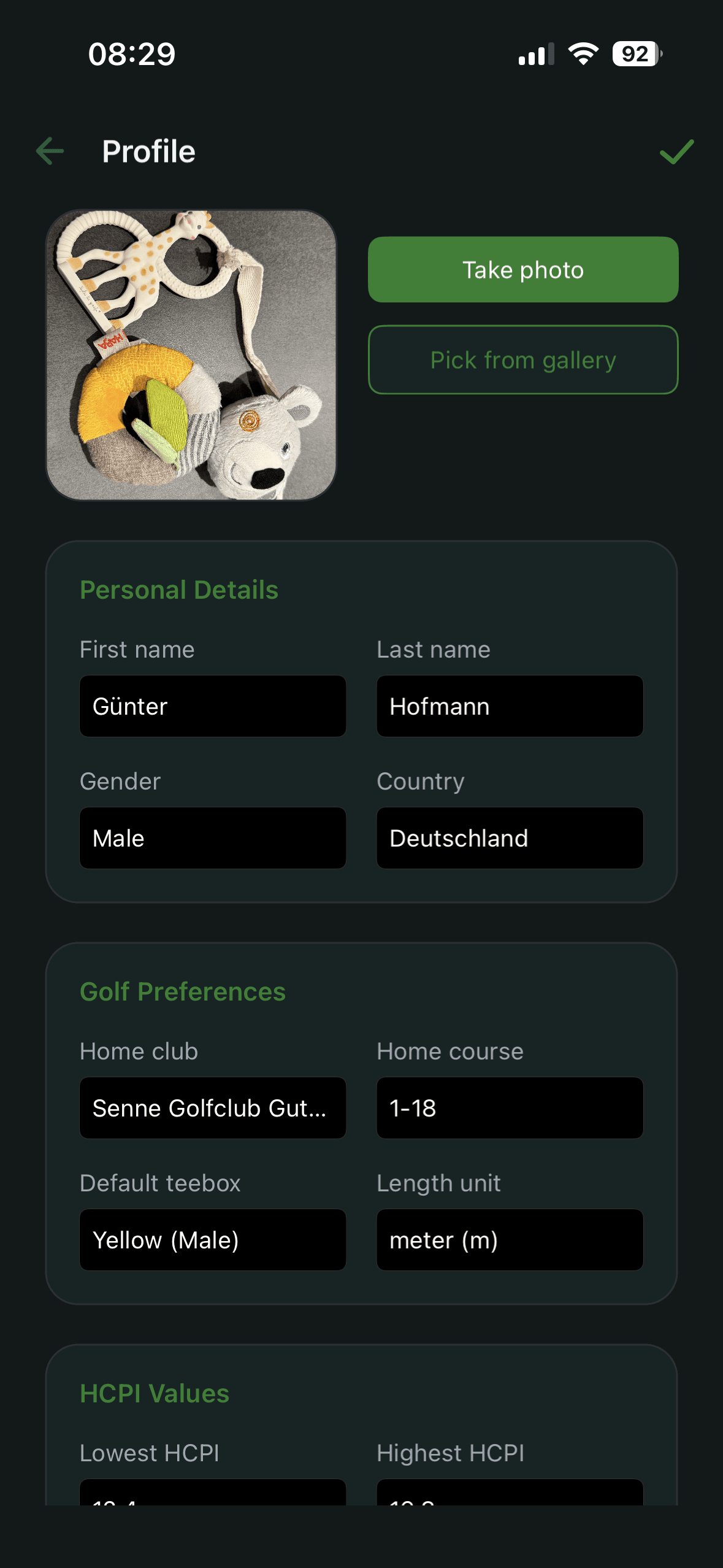
Your profile stores the data required for consistent calculations and practical defaults. The form is grouped into cards: Personal Details, Golf Preferences and HCPI Values.
What to maintain in profile
- name, country and gender
- home club, home course and default tee box – used to prefill result entry
- length unit (metres or yards)
- HCPI values such as low and high Handicap Index. The system maintains these, but you can override them. That is mainly needed if you entered 20 results manually in the Free version, where the intermediate calculations produce incorrect values.
- optional Handicap safeguard. Federations handle it differently; the default can be overridden here.
Profile photo
You can take a photo directly or select one from your gallery.
Premium sections in profile
With Premium, two additional cards appear in the profile:
- Course Handicap – the current value for the default tee box selected in the profile, calculated from HCPI, Slope and Course Rating.
- Import Scoring Record – a link to the preparation guide and the Import scoring record button.
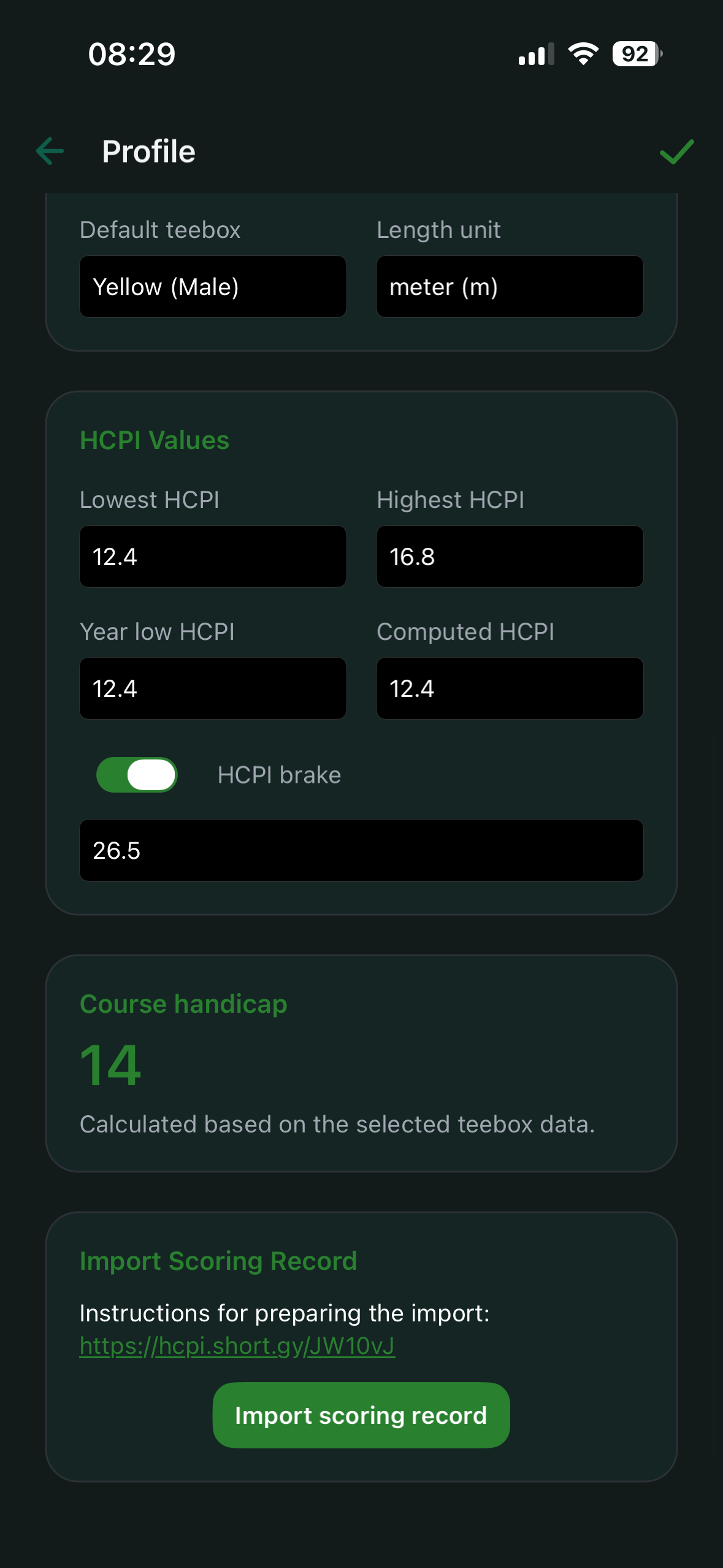
The HCPI trend chart used to live here in the profile. It has moved to Analysis, where it shows the trend for whichever view is selected.
Practical recommendation
Set home club, home course and default tee box first. This speeds up entry and reduces mistakes.