
Settings and Database
Settings control both visible app behavior and technical data maintenance.
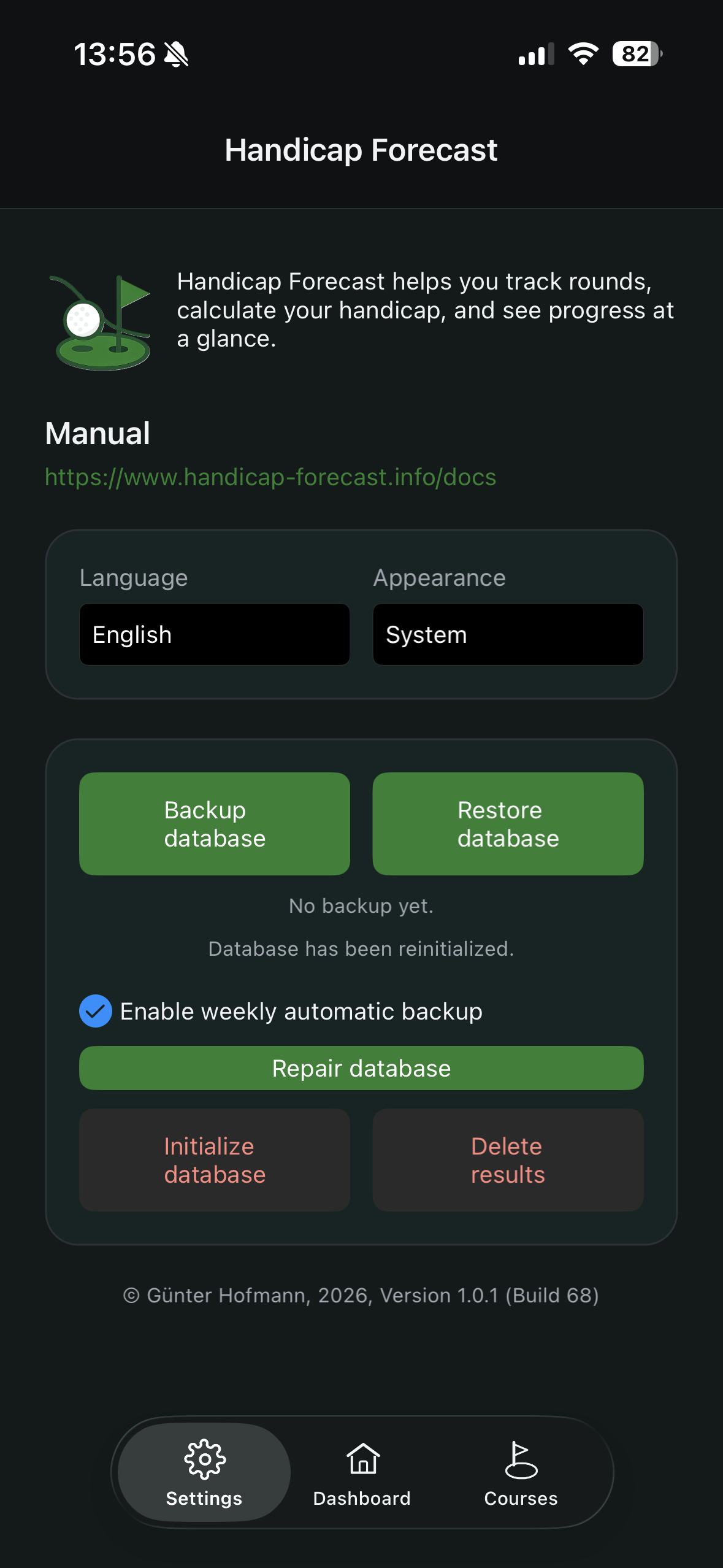
General settings
- language
- visual theme (theme switching is Premium)
Database functions
Database tools are visible in Premium.
Backup database
When you tap Backup database:
- Live DB is validated and written as SQLite backup to a temporary file.
- Backup is validated (
integrity_check, size, header). - System file picker opens.
Restore database
When you tap Restore database:
- Safety confirmation appears.
- You select a backup file.
- File is validated and loaded into temporary DB.
- Migrations/schema updates are applied.
- Live DB is replaced atomically.
Automatic backup
Weekly auto-backup can be enabled.
- Triggered on app start and resume.
- Also triggered after successful database repair.
- Only runs when at least 7 days have passed since last auto-backup.
Repair database
Runs maintenance on live DB:
- remove potential
-wal/-shmfiles REINDEXVACUUMintegrity_check
Initialize database
Deletes and recreates the full database structure.
Delete results
Removes result and history entries only, while keeping master data.
Important note
Initialize database and Delete results are destructive actions. Create a backup first.