Courses
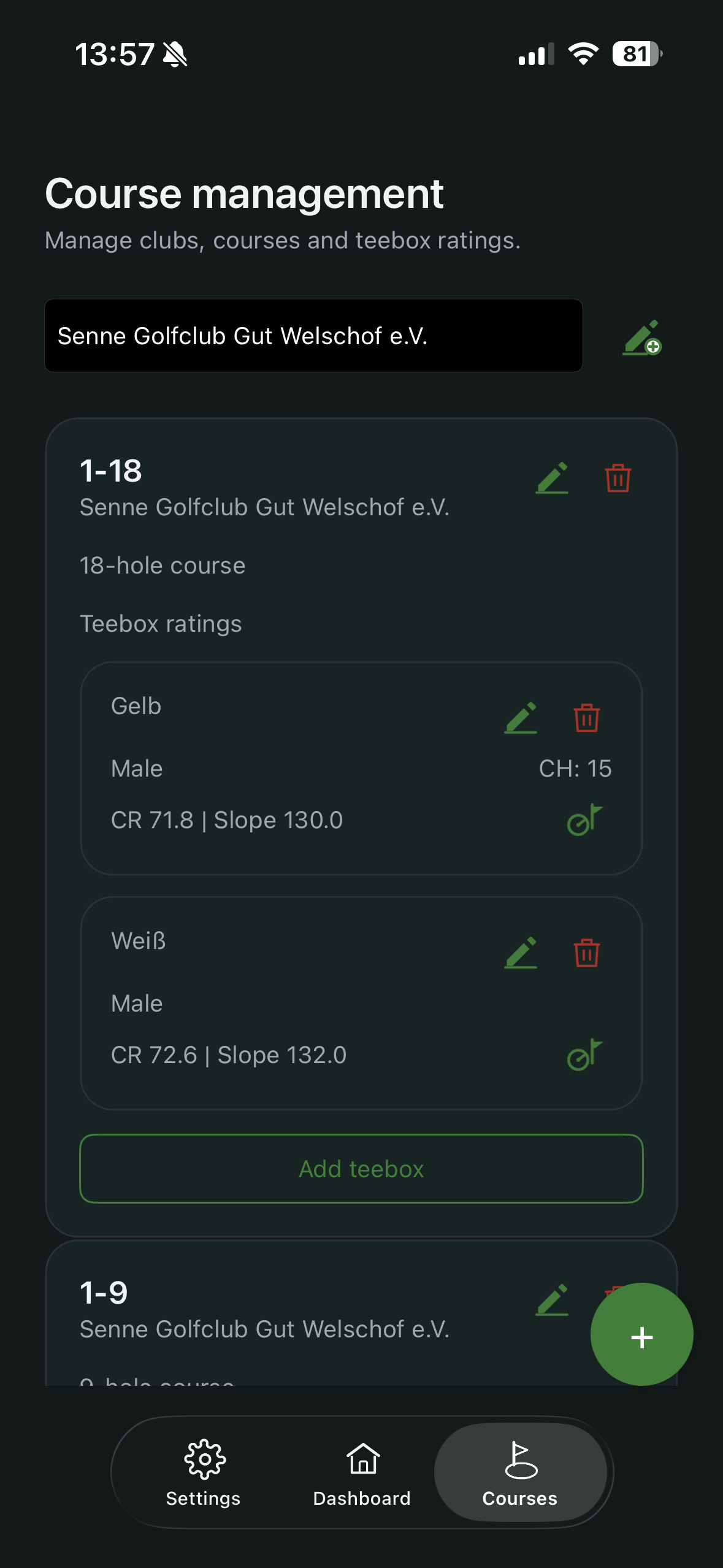
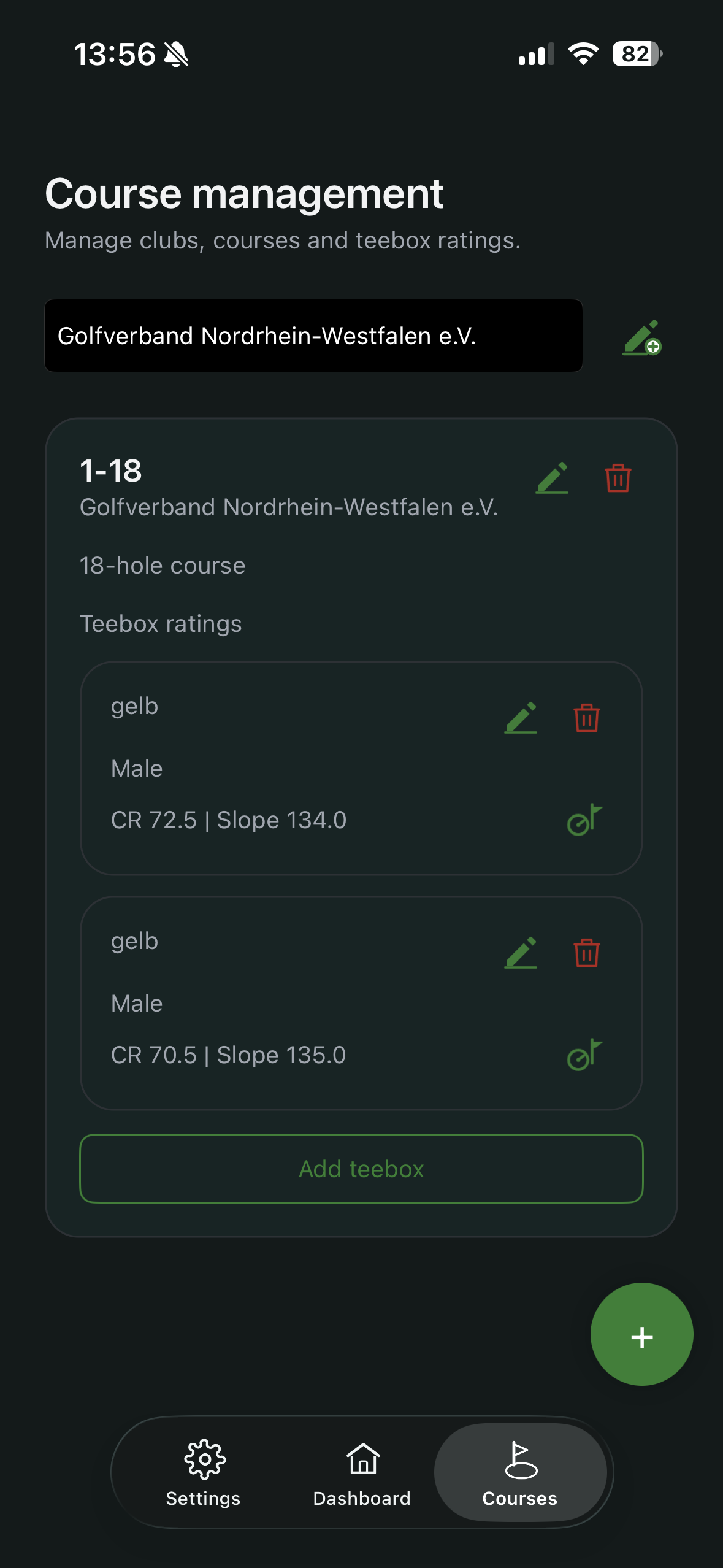
In Courses, you manage the structure of your playing locations: club, course and tee box ratings.
What you do here
- review and edit existing courses
- add new courses
- manage tee box ratings per course
Why this matters
Without maintained course data, rounds cannot be recorded completely and correctly. This especially affects Course Rating, Slope Rating and derived values.
Course Handicap display
In Premium, you can show Course Handicap directly in course management.
Steps:
- Open Courses and select a course.
- Ensure profile contains a valid HCPI and default tee box.
- Tap the green icon shown in the screenshot.
- Course Handicap values per tee box are shown.